AI agents have matured fast, and I’ve been in the weeds the whole time. These days, AI agents are running a lot of my processes in the background. And it’s not just me or the Zapier team: 84% of enterprises plan to boost AI agent investments.
Agents can run complex, org-wide workflows across your entire app stack. I work at Zapier, and I think it’s the best option to make that happen, but I also know that’s not a universal truth—and I’d rather help you figure out which one actually fits than just pitch you on ours.
Based on my uncomfortably deep knowledge of AI agent builders and what matters for teams who want to use them, along with testing from others on the Zapier team, these are the best AI agent builders.
The best AI agent builders
What makes the best AI agent software?
How we evaluate and test apps
Our best apps roundups are written by humans who’ve spent much of their careers using, testing, and writing about software. Unless explicitly stated, we spend dozens of hours researching and testing apps, using each app as it’s intended to be used and evaluating it against the criteria we set for the category. We’re never paid for placement in our articles from any app or for links to any site—we value the trust readers put in us to offer authentic evaluations of the categories and apps we review. For more details on our process, read the full rundown of how we select apps to feature on the Zapier blog.
The main thing I was looking for here is that the agents your AI agent builder produces can do real, sustained work in the tools your team already relies on—and do so securely.
Here’s what our app testers were looking for as we tested and reviewed all the top AI agent builders:
-
True agentic behavior. The platform has to build agents that actually take goals as inputs and pursue them across multiple steps and tool calls—not just respond to one-off prompts. An agent that can answer a question isn’t the same as an agent that can research a company, update your CRM, and ping the right rep in Slack.
-
Integration depth. Agents are only as useful as the apps they can reach. I looked at both breadth (how many apps are supported natively) and reliability (whether those integrations are maintained or left to break as APIs change).
-
Accessibility. How much technical skill does it take to build something useful? Some tools on this list require a developer. Some don’t require any technical knowledge. Both are good solutions, but it matters for which one you should choose.
-
Enterprise-readiness. For teams deploying agents at scale, governance matters. Audit logs, scoped permissions, human-in-the-loop controls, and compliance certifications separate tools you can run in production from tools you’re still prototyping with.
The best AI agent builders at a glance
|
Best for |
Standout features |
Pricing |
|
|---|---|---|---|
|
Zapier |
Building safely across your tech stack |
9,000+ integrations; AI Guardrails; human-in-the-loop; model flexibility; agents, workflows, tables, and MCP |
Free plan available; paid plans from $19.99/month |
|
Gumloop |
Agent-first teams |
Skills system for self-improving agents; Gumstack observability |
Variable credit-based pricing; paid plans from $30/month |
|
Relay.app |
Small teams |
Tight onboarding |
Free plan available; paid plans from $19/month |
|
n8n |
Technical teams |
Self-hostable; custom code and API connections |
Free self-hosted Community edition; cloud from $20/month |
|
ChatGPT workspace agents |
Teams already in the ChatGPT ecosystem |
Shared agents in ChatGPT Business; Compliance API; Slack deployment |
Credit-based pricing; included with ChatGPT Business and above |
|
Lindy |
Personal AI assistant |
Text-first interface; inbox triage; meeting prep and follow-up |
From $49.99/month |
The best AI agent builder for building safely across your tech stack
Zapier

Zapier pros:
-
9,000+ pre-built, maintained integrations
-
Built-in AI Guardrails scan for PII, prompt injection, and toxic outputs before anything reaches a downstream app
-
Human-in-the-loop approval steps built in
-
Model flexibility: call Anthropic, OpenAI, Gemini, and other models within the same agent
-
SOC 2 Type II compliance with audit logging across every Zapier product
-
MCP and SDK support for connecting Zapier’s ecosystem to your existing AI tools
Zapier cons:
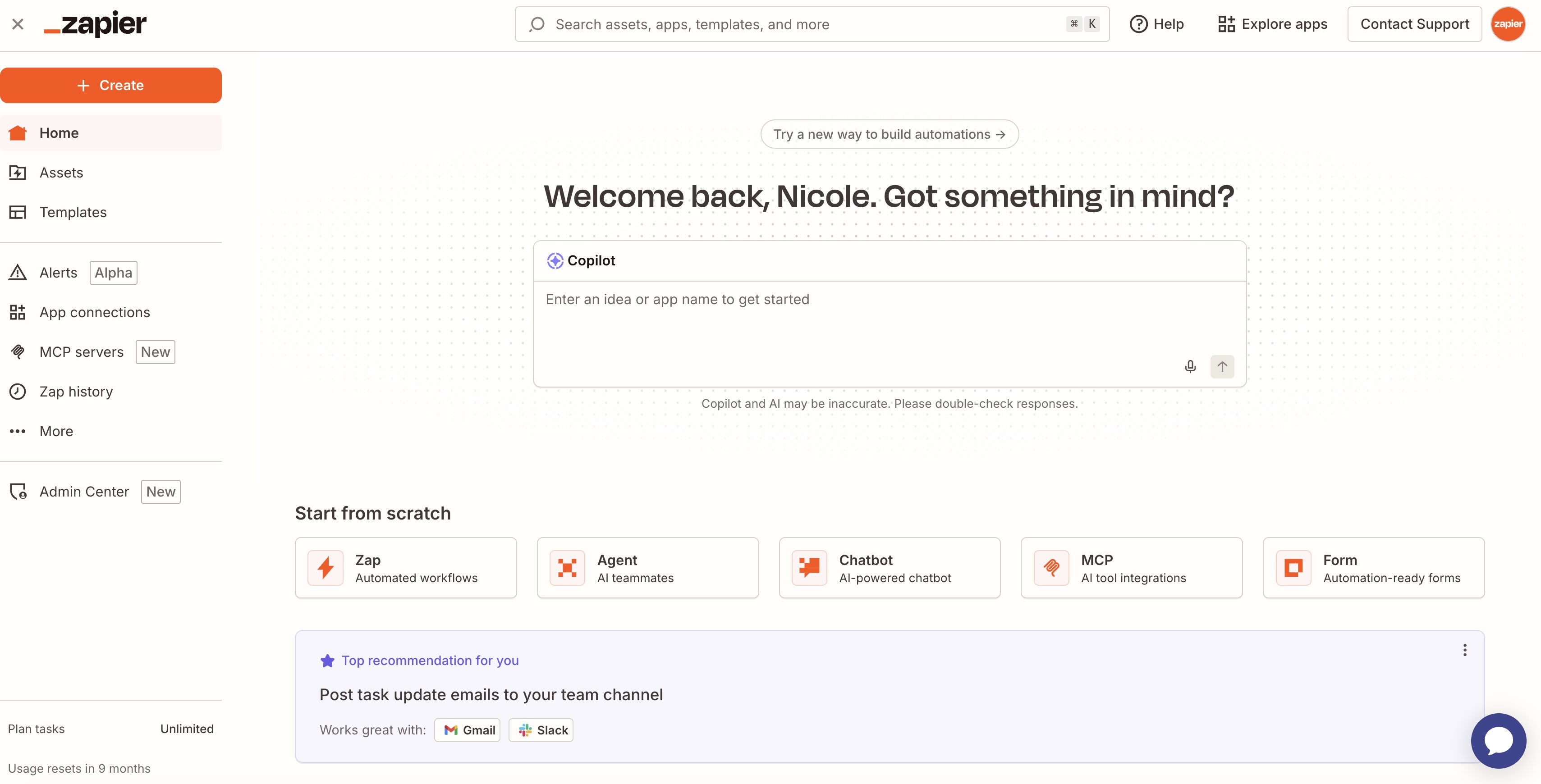
How original—the Zapier writer thinks you should use Zapier. But hear me out: Zapier is the only platform that lets you build safely with AI across literally thousands of apps without needing to know a thing about coding. You can build whatever fits your workflow, and the agent capabilities are there when you need them.
If you already know Zapier for its traditional automated workflows (called Zaps), Zapier now brings agentic execution directly into the familiar workflow editor. Your Zap can loop through tool calls, handle branching logic that responds to real-time inputs, and build itself out in plain English via Copilot—while still giving you the run history, error handling, and audit logging that deterministic Zaps always had. The way I think about it is that the agent builds it, the Zap runs it, and you can see and control everything, with no black box.
If you aren’t building workflows from scratch but you’re already working in Claude, ChatGPT, or another AI tool, Zapier MCP and the Zapier SDK let those tools plug into Zapier’s 9,000+ app connections and take action on your behalf from whatever work surface you’re already in. Your AI assistant can search your CRM, update a spreadsheet, or ping a Slack channel without you leaving the tool you’re already using.
69% of the Fortune 1000 already use Zapier, and the platform’s 81 billion+ automated tasks processed since 2012 give it a track record that predates the AI hype cycle by about a decade. But if you want even more proof before you commit, here’s what Zapier’s own customers say.
Zapier pricing: Free plan available; paid plans from $19.99/month (billed annually). Contact Zapier sales for Enterprise pricing with SSO, advanced admin controls, and premier support.
Best AI agent builder for agent-first teams
Gumloop

Gumloop pros:
-
Skills system lets agents self-document and improve their own processes over time
-
Gumstack provides cross-platform AI observability (monitors Gumloop agents alongside Claude Code, Codex, and Cursor)
Gumloop cons:
-
Only ~100 native integrations vs. Zapier’s 9,000+—custom API connections require ongoing maintenance
-
Credit-based pricing is variable and hard to predict at scale; design and testing consume credits
-
Newer platform (founded 2023); shorter enterprise track record
Gumloop rebuilt itself from a workflow tool into an agent-first platform, and the result is that agents are the primary interface for everything. Workflows still exist, but they now serve as callable tools that agents can invoke as needed—rather than the main event themselves.
I think the most distinctive feature is Gumloop’s Skills system. When you correct an agent’s mistake, the agent can update the relevant Skill accordingly, so the error doesn’t repeat. Over time, your agents develop a documented playbook that reflects exactly how your team works.
Gumloop’s newer Gumstack product also adds organizational observability across your AI tooling. It manages Gumloop agents alongside AI coding tools like Claude Code, Codex, and Cursor in one dashboard. Since most teams are running multiple AI tools simultaneously, that cross-platform visibility is nice.
The massive constraint is the integration library. With about 100 native connectors, Gumloop is strategic—Slack, Asana, Typeform, Pipedrive, and other common tools are covered—but teams will run into gaps quickly for anything niche. You can build custom API connections, but you’ll be taking on the maintenance burden yourself. If your team’s workflows live mostly within a narrow, well-supported app set and you want agents to be your primary automation layer, Gumloop is purpose-built for exactly that. But for everyone else, the integration ceiling becomes a real problem fast.
Gumloop pricing: Credit-based system. Pro plan starts at $30/month (billed annually); credit cost varies by workflow complexity (1 credit for basic actions, up to 60 credits for resource-intensive steps). Contact Gumloop for Enterprise pricing.
Best AI agent builder for small teams
Relay.app

Relay.app pros:
Relay.app cons:
-
Only ~150 integrations (compared to Zapier’s 9,000+)
-
Missing advanced workflow features like step-level filters, autoreplay, multiple conditions per path, and built-in error handling
-
Enterprise governance is thinner
Relay.app is all about ease of use. You name your agent, write a short job description, and build the first workflow—the whole thing can be done in minutes without consulting documentation or burning an afternoon on a tool that still doesn’t work.
I think the platform covers the basics well, with agents that run on triggers, visual workflows with an AI assistant on the side, tables for data storage, and MCP server support for connecting to external tools. And the free plan includes all of those features, which makes Relay.app really easy to evaluate before committing.
Like Gumloop, Relay’s integrations are very limited. The ~200 options are enough for solopreneurs and small teams using mainstream tools, but HR, sales ops, or finance teams will bump into gaps immediately. It’s also missing workflow features that matter for production use, like step-level filters, custom error handling, and multiple path conditions that Zapier handles natively. And while Relay is SOC 2 and GDPR compliant, it’s lacking SCIM, granular permissions, approval workflows, and audit logs.
I’d argue that Relay.app shines as an entry point. If you’re a team of a few people who want to try agents without wrestling with a complex platform, it’s an easy option. Just know that you’ll likely outgrow it.
Relay.app pricing: Free plan available with all features and 200 steps/month). Paid plans start at $19/month for 750 steps; Team from $59/month for 1,500 steps and up to 10 users. AI credits are tracked separately from standard tasks.
Best AI agent builder for technical teams
n8n

n8n pros:
n8n cons:
-
Not accessible to non-technical users
-
Self-hosting comes with operational overhead and hidden costs
-
Admin controls are sparse; organization-wide governance is a DIY project
n8n is built for developers, and it doesn’t pretend otherwise. The onboarding screen literally asks about your technical expertise, and “none” isn’t an option. That tracks—n8n’s AI agents are built on LangChain, and getting useful behavior out of them requires knowing what you’re doing.
What n8n offers in return for that technical bar is the ability to run your own automation infrastructure, entirely on your own servers. That’s important for organizations with air-gap requirements, strict data residency rules, or internal policies that preclude cloud automation platforms. And for developers who want to build complex, code-heavy workflows with custom API logic, n8n’s node-based editor, JavaScript support, and LangChain-based AI Agent node give you more flexibility than most no-code tools. You can build multi-agent pipelines, add human-in-the-loop approval at any step, connect via MCP to external tools, and route outputs through explicit logic rather than trusting the model to self-govern.
The catch is that self-hosting doesn’t actually eliminate the challenges most teams are trying to avoid—it just relocates them. You’re now responsible for server provisioning, security patches, uptime, API update management, and compliance configuration. Most enterprise integrations still require external API calls that leave your “self-hosted” perimeter anyway. And a small technical team supporting a large organization quickly becomes a bottleneck for every automation request from marketing, sales, and HR.
n8n also offers a cloud version that removes the infrastructure overhead, but even there, building reliable agents requires the technical expertise to set up the AI Agent node correctly, handle data transformation between steps, and manage errors when models behave unexpectedly. If your organization wants automation to spread across non-technical departments, there are better options.
n8n pricing: Community edition is free (self-hosted). Cloud plans from $20/month, billed annually, for Starter (5 concurrent executions, 2,500 workflow executions/month). Self-hosted paid plans available for larger teams. Enterprise pricing on request.
Best AI agent builder for teams already in the ChatGPT ecosystem
ChatGPT workspace agents
ChatGPT workspace agents pros:
-
Role-based admin controls with separate permissions for who can browse, run, build, and publish agents
-
Compliance API gives admins visibility into every agent’s configuration, updates, and run history
-
Same login as your other OpenAI products
ChatGPT workspace agents cons:
ChatGPT workspace agents are the successor to custom GPTs, and they work more or less the way most agent builders do: describe what you want, connect some tools, and deploy. But the whole thing lives inside ChatGPT, which a lot of enterprise teams are already paying for.
With workspace agents, an agent one person builds becomes a workspace resource. It’s visible to the team, governed by admin controls, and usable by anyone with the right permissions. Admins can define granular roles for who can build versus run, restrict which connected tools each role can give agents access to, and suspend a misbehaving agent via the Compliance API.
There are some limitations, though—namely, integration depth and model flexibility. ChatGPT workspace agents connect to apps like Gmail, Outlook, SharePoint, Slack, GitHub, HubSpot, and Atlassian, which is a fraction of the apps most enterprise teams rely on. And since workspace agents run on OpenAI’s models, there’s no option to swap in Claude or Gemini for a task that fits them better.
For teams that are heavily invested in the ChatGPT ecosystem and whose workflows live mostly within the supported connector set, workspace agents are a natural, low-friction choice. But if your team needs broader app coverage or model flexibility, Zapier is still the more complete option. And the two can coexist via Zapier MCP, which gives ChatGPT access to Zapier’s 9,000+ integrations without rebuilding everything from scratch.
ChatGPT workspace agents pricing: Included with ChatGPT Business at $20/user/month and Enterprise plans; credit-based pricing within that.
Best AI agent builder for personal AI assistance over iMessage
Lindy

Lindy pros:
Lindy cons:
-
For building personal agents only
-
No branching logic, fallback paths, or advanced workflow features
-
Expensive for a single-user personal assistant tool
Lindy isn’t really an agent builder in the same sense as the other tools on this list. You’re not building agents that handle org-wide workflows or connect to your business systems. You’re configuring a personal AI assistant that manages your email, preps you for meetings, and takes your requests via text. There’s a flow editor under the hood, but it’s missing branching logic, fallback paths, and most of the workflow flexibility that makes agents useful at scale.
But what Lindy is good at, it’s really good at. You text Lindy the way you’d text a chief of staff: “prep me for my 2pm,” “draft a reply to Janine,” “what did I promise Grace on our last call?” It pulls context from your emails and calendar, maintains memory over time, and handles the kind of high-frequency personal admin tasks that are too small to automate with a full workflow builder but too repetitive to keep doing manually.
Lindy is the right fit if you’re an executive, salesperson, or founder who lives in iMessage and wants an AI that handles your inbox and meeting logistics proactively rather than waiting for you to log into something. But if you want to automate your business, not just your personal workday, you need one of the other options on the list.
Lindy pricing: Plus plan at $49.99/month (7-day free trial, credit card required); Enterprise plan available with SSO, SCIM, audit logs, and HIPAA compliance.
Other AI agent builders worth a look
As with so many AI tools, there’s been a huge initial rush of AI agent builders with a lot of overlapping features. The list above highlights the tools that I think stand out from the crowd, but there are plenty of other options out there. Here are some other tools worth considering, based on my research:
-
LangChain is an open-source framework that allows developers to exercise low-level control and build agents. If you have the coding chops, it’s an increasingly popular option for business and enterprise uses. Here’s a list of the best LangChain alternatives.
-
Dify is another AI agent builder that straddles the line between easy-to-use and developer-focused.
-
Vellum allows you to vibe code an AI agent, which comes with its own pros and cons.
-
Flowise is a drag-and-drop AI agent builder from Workday.
-
StackAI is an enterprise-focused AI tool; it can build AI agents as well as other AI applications.
-
Botpress is a powerful AI agent builder geared toward complex, highly customizable agents, with a visual drag-and-drop studio, built-in data storage, and broad integration support across LLMs, APIs, and channels like Slack and Messenger.
-
Voiceflow is an easy-to-use platform for building voice and chat agents, with strong templates, multi-model support, and integrations (including Zapier) that let you automate workflows based on conversations.
-
Intercom is a customer support-focused platform with built-in AI agents like Fin, which can resolve queries, take actions across tools like Shopify and Salesforce, and continuously improve based on performance.
Which AI agent builder should you use?
I wouldn’t have put an app on this list if it didn’t let you build functional AI agents with strong controls. Gumloop is purpose-built for self-improving agents, Relay is easy to use for small businesses, n8n offers extreme control for developers, and ChatGPT’s workspace agents are a natural extension for ChatGPT users.
But if you’re an enterprise team that needs agents to run across your full app stack, with governance that will pass a security review and a platform that can scale across non-technical departments, that’s Zapier. The 9,000+ integrations and AI orchestration platform are hard to replicate, and the track record of 81 billion automated tasks and nearly 15 years in the business is the kind of thing that matters when you’re betting production workflows on a tool.
Related reading:
This article was originally published in October 2025 by Harry Guinness. The most recent update was in May 2026.